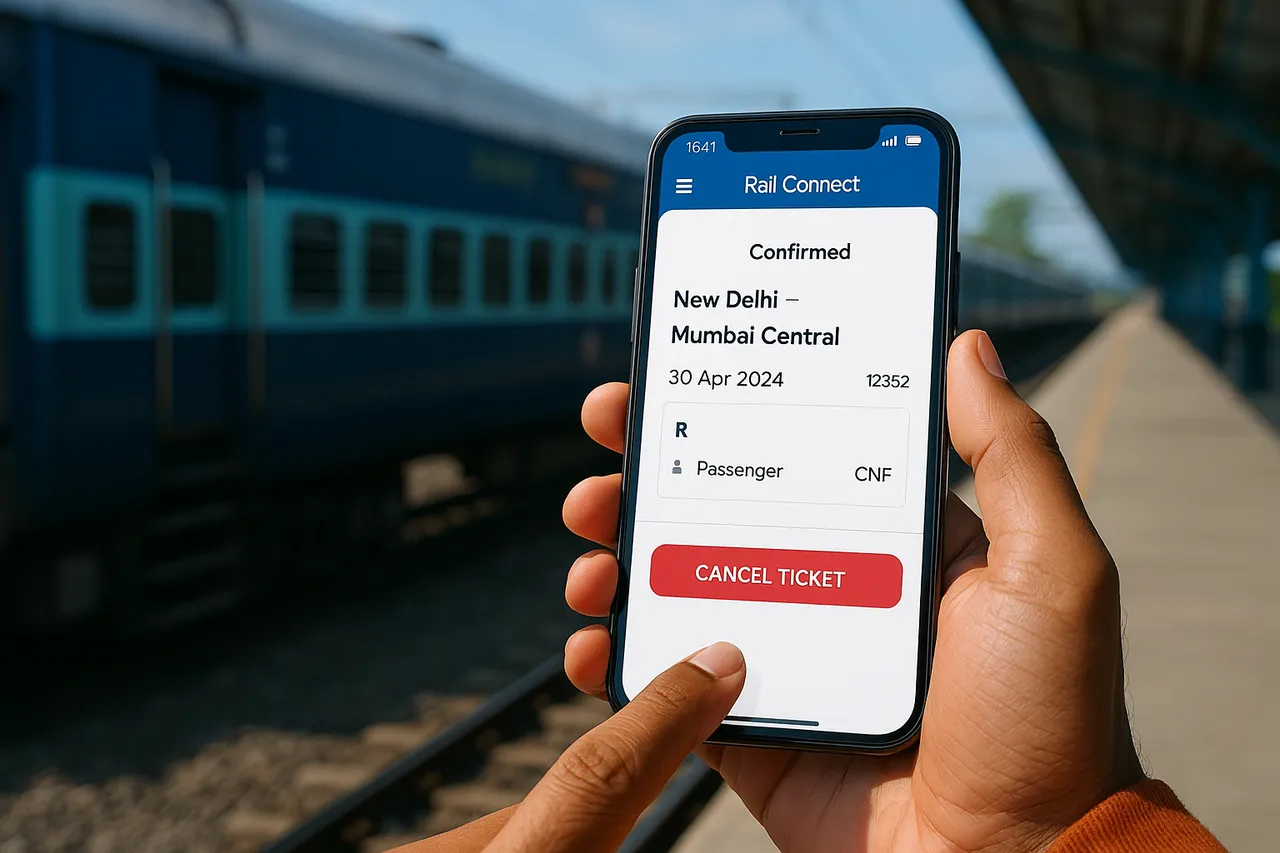
IRCTC Amount Deducted but Ticket Not Booked — What to Do
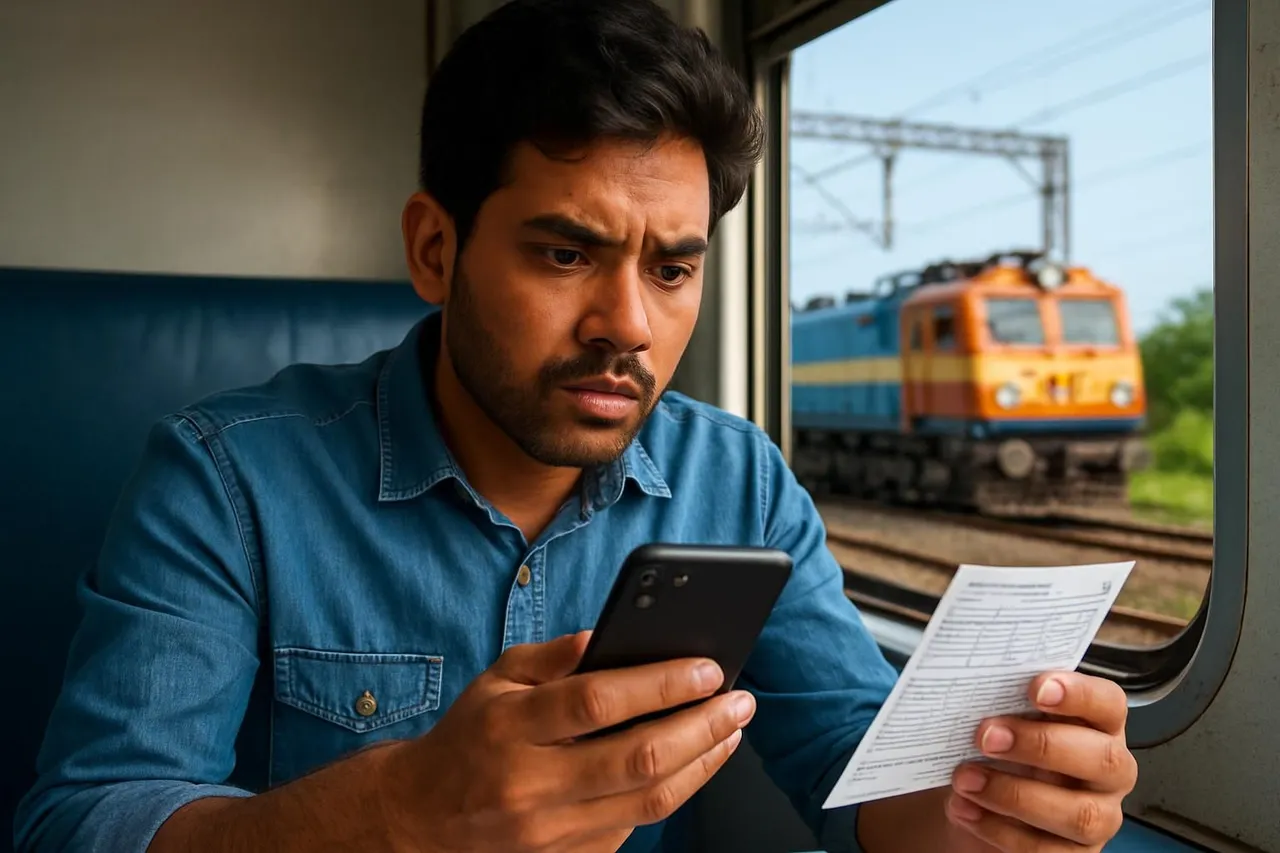
IRCTC Amount Deducted but Ticket Not Booked — What to Do
Many Indian railway passengers sometimes face the frustrating issue where the amount is deducted from their bank account or payment method, but the IRCTC ticket booking fails or does not get confirmed. This can happen due to network issues, payment gateway errors, or technical glitches. If you find yourself in this situation, it is important to stay calm and follow the correct steps to check the status of your booking and get your money refunded if needed.
Why Does IRCTC Amount Get Deducted but Ticket Not Booked?
Understanding the possible reasons helps you handle the situation better. Some common causes are:
- Payment Gateway Timeout: Sometimes, the payment gateway may process the transaction but fail to communicate back to IRCTC in time, causing a booking failure.
- Network Issues: Poor internet connection during booking can interrupt the process after payment is made.
- Technical Glitches: Server errors or bugs on the IRCTC website/app or payment processor can lead to incomplete bookings.
- Duplicate Transactions: Occasionally, multiple payment attempts may cause confusion in booking status and deductions.
How to Check if Your IRCTC Ticket is Booked After Payment Deduction?
Before raising any complaints or refund requests, verify your ticket status carefully.
Check Your IRCTC Account Booking History
Log in to your IRCTC account and navigate to the Booked Tickets or Transaction History section. If the ticket is successfully booked, it will appear here with the PNR number and journey details.
Check SMS and Email Confirmations
IRCTC usually sends booking confirmation via SMS and email. Verify if you have received these messages with PNR and ticket details.
Check Your Bank or Payment Statement
Confirm the deduction from your bank account, UPI app, or wallet. Note the transaction ID and timestamp for reference.
Steps to Take if IRCTC Amount Is Deducted but Ticket Not Booked
If you confirm that the payment was deducted but the ticket is not in your IRCTC account or you did not receive confirmation, follow these steps:
- Wait for Some Time: Sometimes, the transaction status updates after a few minutes or hours. Check again after 1–2 hours.
- Check Payment Status on IRCTC: IRCTC website or app may have a payment status or failed transaction inquiry option under your account.
- Raise a Refund Request: If the amount was deducted but ticket not booked, you can file a refund request on the IRCTC portal. Usually, this option appears in your transaction history or failed payment section.
- Contact IRCTC Customer Care: If you do not see an option to raise a refund online, contact IRCTC helpline via phone or email. Provide your transaction details, date/time, and payment method.
- Track the Refund: IRCTC typically processes refunds within a few working days. You can track refund status in your IRCTC account or by contacting customer support.
How to Raise a Refund Request on IRCTC Portal
The refund process is generally straightforward. Here’s how you can do it:
- Log in to your IRCTC account.
- Go to the Transaction History or Failed Transactions section.
- Identify the transaction where payment was deducted but no ticket booked.
- Click on the option to Raise Refund Request or Report Payment Issue.
- Fill in the required details such as transaction ID, payment mode, date, and amount.
- Submit the refund request form.
After submission, you will receive an acknowledgment number. Keep it safe for future reference.
What to Do If IRCTC Refund Is Delayed?
Sometimes, refunds may take longer due to bank processing times or verification delays. If your refund is delayed beyond the typical timeframe (usually 7-10 working days), consider these steps:
- Check your refund status on the IRCTC portal.
- Contact IRCTC customer care with your refund acknowledgment number.
- Reach out to your bank or payment service provider to check if the refund is pending on their side.
- Keep all transaction and communication records handy for reference.
Preventing Payment Deduction but Booking Failure in Future
You can minimize chances of this issue by following some best practices:
- Use Stable Internet Connection: Book tickets using a reliable internet network.
- Avoid Multiple Payment Attempts: Wait for the payment response before trying again.
- Use Trusted Payment Methods: Prefer commonly used payment options like UPI, net banking, or wallets supported by IRCTC.
- Clear Browser Cache or Use IRCTC App: Sometimes, cached data causes glitches. Use the official IRCTC app or clear your browser cache.
- Book Tickets During Off-Peak Hours: Booking during less busy periods reduces server load and errors.
Frequently Asked Questions
How long does IRCTC take to refund money if ticket is not booked?
Typically, IRCTC processes refunds within 7 to 10 working days depending on the payment method and bank processing time.
Can I raise a refund request if I did not receive any confirmation SMS or email?
Yes. If your amount is deducted but you have no booking confirmation, you should raise a refund request on the IRCTC portal or contact customer care.
Will IRCTC automatically refund the amount if ticket booking fails?
In most cases, yes. However, it is advisable to check your transaction status and raise a refund request if the amount is not automatically credited back.
What details do I need to provide to IRCTC for refund in case of payment deduction but no ticket?
You will need to provide transaction ID, payment date and time, payment mode, and the amount deducted.
Is it safe to book tickets through IRCTC app to avoid payment issues?
Yes, the official IRCTC app is generally more stable and secure, reducing chances of payment or booking failures.
Can I contact my bank if IRCTC has deducted money but ticket is not booked?
You can contact your bank to check transaction status, but IRCTC is responsible for confirming booking or refunding the amount.
Conclusion
Facing a situation where your IRCTC amount is deducted but the ticket is not booked can be stressful, but following the right steps can help you resolve it smoothly. Always verify your booking status, raise refund requests promptly, and keep transaction details handy. Using stable internet and official IRCTC platforms can reduce chances of such issues. In case of delays, contacting IRCTC customer care and your bank can help track and expedite refunds. Staying informed and patient is key to managing these situations effectively.
Get EasyTrain free on Play Store
Check PNR status, track trains live, see seat layout and platform alerts — all without logging in.
Download EasyTrain