IRCTC Help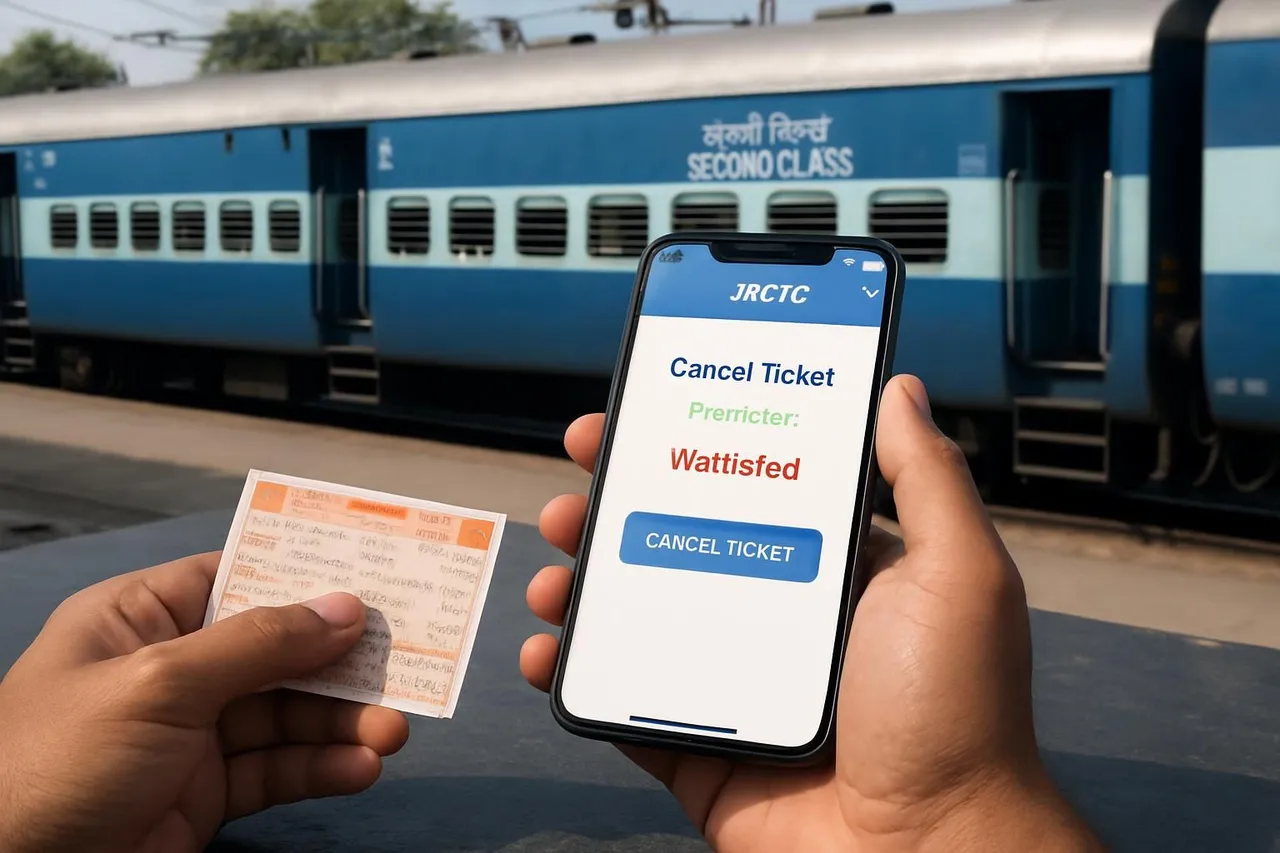
How to Cancel a Waitlisted Train Ticket on IRCTC: Step-by-Step Guide
This article explains how Indian railway passengers can cancel a waitlisted train ticket on IRCTC. It covers the step-by-step cancellation process, refund rules, and important tips to manage waitlisted bookings effectively.
By EasyTrain Team2 June 20263 min read
How to Cancel a Waitlisted Train Ticket on IRCTC
Waitlisted train tickets are common for many Indian railway travelers, especially during peak seasons or for popular trains. If you have a waitlisted ticket booked through IRCTC and wish to cancel it, it's important to understand the cancellation process and refund policies. This guide explains how to cancel a waitlisted train ticket on IRCTC clearly and practically.
Understanding Waitlisted Train Tickets on IRCTC
A waitlisted ticket means your seat or berth is not confirmed at the time of booking. Your ticket remains in waitlist status until the chart preparation or final reservation status update. Sometimes, waitlisted tickets get confirmed later, or they remain waitlisted until the train departs.
It's important to note that waitlisted tickets are not valid for travel unless they get confirmed. Therefore, many passengers prefer to cancel waitlisted tickets to get a refund and avoid last-minute hassles.
Can You Cancel a Waitlisted Ticket on IRCTC?
Yes, you can cancel a waitlisted ticket on IRCTC at any time before the chart preparation or train departure, as per Indian Railways rules. The refund amount depends on the timing of cancellation and the ticket status.
Typically:
- If the ticket is waitlisted and canceled before chart preparation, you receive a full refund minus the clerkage fee.
- If the ticket remains waitlisted after chart preparation, it is automatically canceled by the railway system, and a full refund is processed.
Step-by-Step Guide to Cancel a Waitlisted Train Ticket on IRCTC
Step 1: Log in to Your IRCTC Account
Visit the official IRCTC website (www.irctc.co.in) and log in using your username and password.
Step 2: Go to 'Booked Tickets' Section
After logging in, navigate to the 'My Account' section and click on 'Booked Tickets' to view all your current bookings.
Step 3: Select the Waitlisted Ticket to Cancel
Find the waitlisted ticket you want to cancel from the list of bookings. The ticket status will show as 'WL' (Waitlisted) or 'RAC' (Reservation Against Cancellation) if applicable.
Step 4: Click on 'Cancel Ticket'
Click the 'Cancel' option corresponding to the waitlisted ticket. IRCTC will ask you to confirm the cancellation.
Step 5: Confirm Cancellation
Review the cancellation details and confirm your request. Once confirmed, the system will process the cancellation and refund as per rules.
Refund Rules for Cancelled Waitlisted Tickets
The refund amount depends on when you cancel the ticket:
- Before chart preparation: You receive a full refund minus a nominal clerkage fee.
- After chart preparation: Waitlisted tickets are automatically canceled, and a full refund is credited to your account.
Refunds usually take a few days to reflect in the original payment method.
Important Tips When Cancelling Waitlisted Tickets
- Cancel early: To avoid losing money on clerkage fees, cancel the ticket before chart preparation.
- Check ticket status: Confirm your ticket status regularly to decide whether to wait for confirmation or cancel.
- Use IRCTC mobile app: The cancellation process is similar on the IRCTC mobile app, making it convenient on the go.
- Keep transaction details: Save your cancellation confirmation and refund details for future reference.
Frequently Asked Questions
Can I cancel a waitlisted ticket after the chart is prepared?
Waitlisted tickets are typically automatically canceled after chart preparation if not confirmed. You do not need to manually cancel them, and refunds are processed automatically.
Is there any cancellation fee for waitlisted tickets?
Yes, a small clerkage fee is charged if you cancel before chart preparation. After chart preparation, waitlisted tickets are canceled without any deduction.
How long does the refund take for a cancelled waitlisted ticket?
Refunds generally take a few days to be credited back to your original payment method, depending on your bank or payment provider.
Can I cancel a partially waitlisted ticket?
Yes, if your ticket has multiple passengers and some are waitlisted, you can cancel the waitlisted portion separately if allowed by IRCTC rules.
What happens if I travel on a waitlisted ticket?
Traveling on a waitlisted ticket is not permitted. You must have a confirmed or RAC ticket to board the train.
Does IRCTC send notifications about waitlist status changes?
Yes, IRCTC typically sends SMS or email alerts if your waitlisted ticket status changes to confirmed or RAC.
Conclusion
Knowing how to cancel a waitlisted train ticket on IRCTC helps you manage your travel plans efficiently and avoid unnecessary charges. Always check your ticket status early, cancel before chart preparation if you do not expect confirmation, and keep track of your refund status. This practical approach ensures a smoother railway travel experience.
irctctrain ticket cancellationwaitlisted ticketsindian railwayspassenger help
Get EasyTrain free on Play Store
Check PNR status, track trains live, see seat layout and platform alerts — all without logging in.
Download EasyTrainRelated articles
More in IRCTC Help → IRCTC Help
IRCTC Ticket Cancellation Process on the Rail Connect App
Learn the step-by-step IRCTC ticket cancellation process on the Rail Connect app for Indian railway passengers. Understand rules, refunds, and important tips.
2 Jun 20264 min read
 IRCTC Help
IRCTC Refund Policy: Understanding the Full Process for Indian Railway Passengers
Learn the complete IRCTC refund policy, including eligibility, cancellation charges, and the step-by-step refund process for Indian railway ticket cancellations.
2 Jun 20264 min read
 IRCTC Help
How to Verify Your New IRCTC Account: A Step-by-Step Guide
Learn how to verify your new IRCTC account with easy steps. Follow this guide to complete your registration and start booking train tickets online hassle-free.
2 Jun 20264 min read