IRCTC Help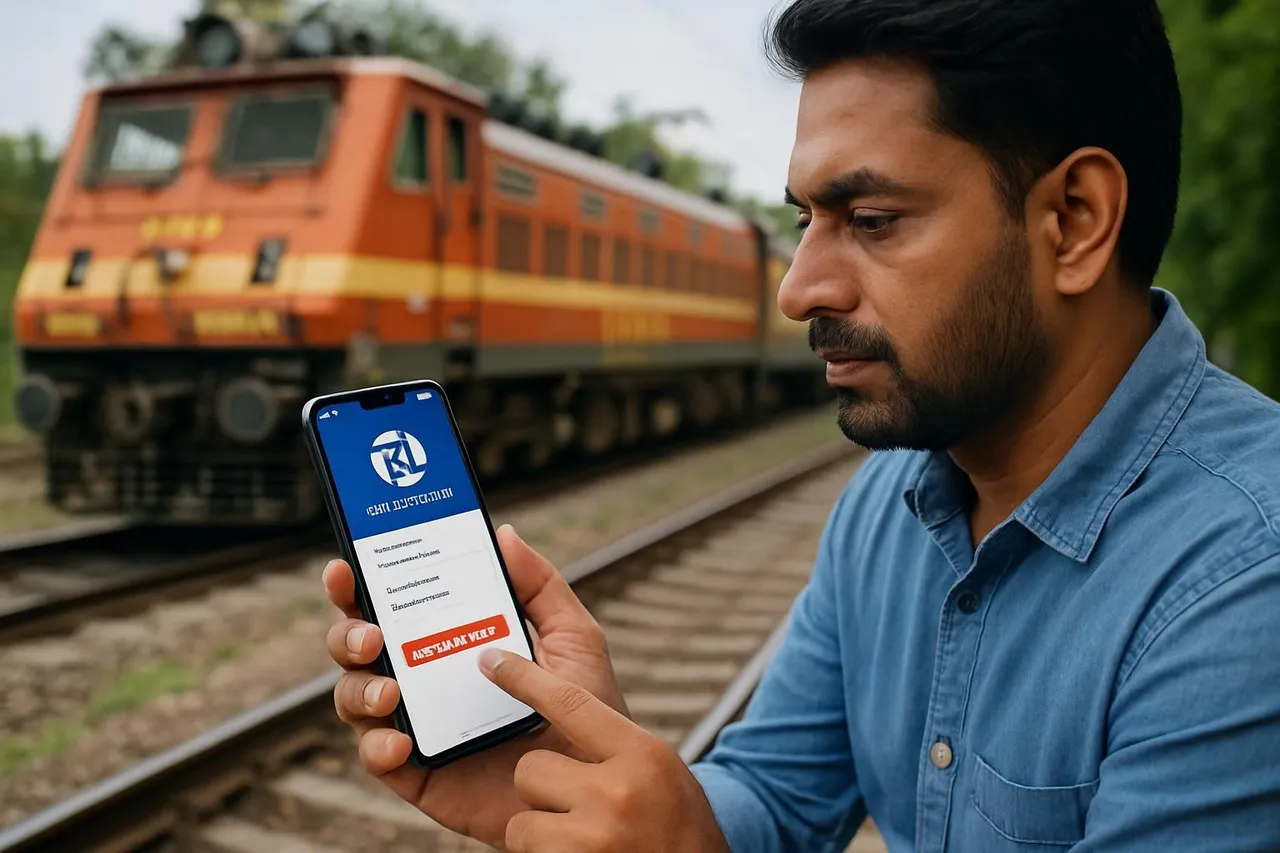
How to Reset Your IRCTC Rail Connect App Password: A Step-by-Step Guide
If you've forgotten your IRCTC Rail Connect app password or want to change it for security reasons, this guide explains the steps to reset your password easily. Follow the instructions to regain access to your account and continue booking train tickets hassle-free.
By EasyTrain Team2 June 20264 min read
How to Reset Your IRCTC Rail Connect App Password
For many Indian railway passengers, the IRCTC Rail Connect app is an essential tool for booking tickets and managing travel plans. However, forgetting your password or needing to reset it can be a common issue. This guide will walk you through the process of resetting your IRCTC Rail Connect app password quickly and securely.
Understanding the IRCTC Rail Connect App Password Reset Process
The IRCTC Rail Connect app uses the same login credentials as your IRCTC web account. If you forget your password, you can reset it either via the app itself or through the IRCTC website. The process is designed to protect your account and personal information while allowing you to regain access easily.
Step-by-Step Guide to Reset Your IRCTC Rail Connect App Password
1. Open the IRCTC Rail Connect App
Start by launching the IRCTC Rail Connect app on your smartphone. You will typically find the app on your home screen or app drawer under the name "IRCTC Rail Connect."
2. Navigate to the Login Screen
On opening the app, you will see the login screen where you usually enter your username and password.
3. Tap on the "Forgot Password" Link
Below the password field, there is a "Forgot Password" option. Tap on this link to begin the password reset process.
4. Enter Your Registered Username or Email
You will be prompted to enter your registered username or the email address linked to your IRCTC account. This helps the system identify your account.
5. Complete the CAPTCHA or Security Verification
To ensure you are not a robot, you may need to complete a CAPTCHA or other security verification as per the app's current rules.
6. Choose Your Preferred Password Reset Method
Typically, you can reset your password via one of the following methods:
- Registered Email: A password reset link will be sent to your registered email address.
- Registered Mobile Number: You may receive an OTP (One-Time Password) on your mobile number to verify your identity.
7. Verify Your Identity
Depending on the method chosen, check your email inbox or SMS for the OTP or reset link. Enter the OTP in the app or click the link to proceed.
8. Set a New Password
Once verified, you will be prompted to create a new password. Choose a strong and memorable password that meets IRCTC's security requirements, such as a minimum length and a mix of letters and numbers.
9. Confirm the New Password
Re-enter the new password to confirm it, then submit your changes.
10. Login with Your New Password
After successfully resetting your password, return to the login screen and enter your username and new password to access your IRCTC Rail Connect account.
Additional Tips for Managing Your IRCTC Rail Connect App Password
- Use a Password Manager: Consider using a password manager app to store your IRCTC password securely.
- Keep Your Contact Details Updated: Ensure your registered mobile number and email ID are current to facilitate easy password recovery.
- Change Password Periodically: For enhanced security, update your password regularly.
- Avoid Sharing Passwords: Never share your IRCTC password with others to protect your account.
Frequently Asked Questions
Can I reset my IRCTC Rail Connect app password without internet access?
No, resetting your password requires an active internet connection since the process involves communication with IRCTC servers via the app or website.
What should I do if I do not receive the OTP or reset email?
If you do not receive the OTP or email within a few minutes, check your spam folder and ensure your registered contact details are correct. You may also try resending the OTP or reset link.
Is there a limit to how many times I can reset my password?
There is typically no strict limit, but frequent resets in a short time may temporarily block your account for security reasons. Contact IRCTC support if you face issues.
Can I reset my password using the IRCTC website instead of the app?
Yes, you can reset your password via the official IRCTC website by using the "Forgot Password" option on the login page.
What are the password requirements for the IRCTC Rail Connect app?
As per current rules, your password should meet minimum length criteria and include a combination of letters and numbers. Avoid using easily guessable passwords.
Conclusion
Resetting your IRCTC Rail Connect app password is a straightforward process designed to keep your account secure while allowing easy recovery. By following the steps outlined above, you can regain access to your account quickly and continue planning your railway journeys without interruption. Always ensure your contact details are up to date and choose a strong password to protect your IRCTC account.
irctcrail connectpassword resetindian railwaysmobile app help
Get EasyTrain free on Play Store
Check PNR status, track trains live, see seat layout and platform alerts — all without logging in.
Download EasyTrainRelated articles
More in IRCTC Help → IRCTC Help
IRCTC Ticket Cancellation Process on the Rail Connect App
Learn the step-by-step IRCTC ticket cancellation process on the Rail Connect app for Indian railway passengers. Understand rules, refunds, and important tips.
2 Jun 20264 min read
 IRCTC Help
IRCTC Refund Policy: Understanding the Full Process for Indian Railway Passengers
Learn the complete IRCTC refund policy, including eligibility, cancellation charges, and the step-by-step refund process for Indian railway ticket cancellations.
2 Jun 20264 min read
 IRCTC Help
How to Verify Your New IRCTC Account: A Step-by-Step Guide
Learn how to verify your new IRCTC account with easy steps. Follow this guide to complete your registration and start booking train tickets online hassle-free.
2 Jun 20264 min read