Railway Guides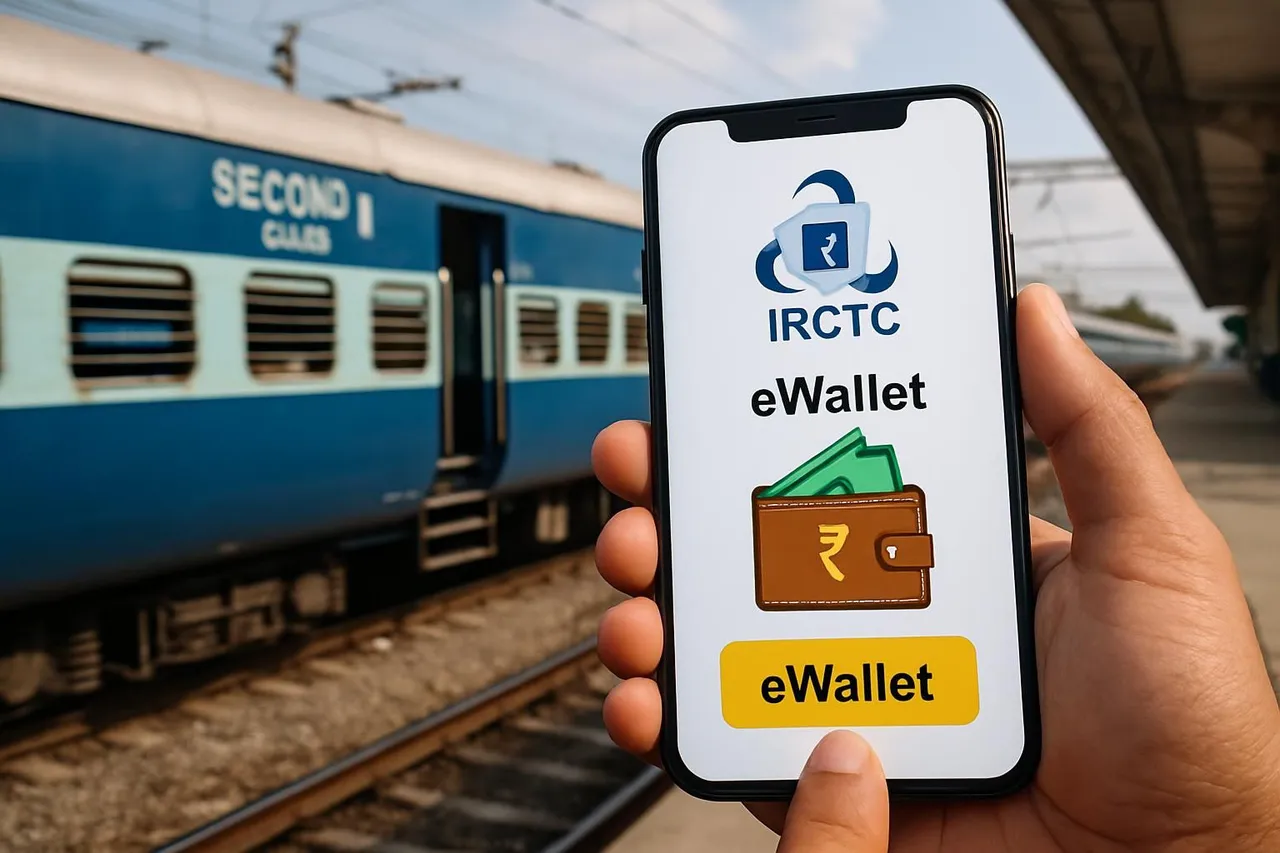
IRCTC eWallet — Benefits and How to Use It for Indian Railway Bookings
This guide explains the benefits of the IRCTC eWallet and provides clear, step-by-step instructions on how Indian railway passengers can use it for faster and hassle-free ticket bookings. Discover how to add money, use the wallet during booking, and manage refunds effectively.
By EasyTrain Team2 June 20264 min read
IRCTC eWallet — Benefits and How to Use It for Indian Railway Bookings
The IRCTC eWallet is a convenient digital wallet service designed to simplify online railway ticket bookings through the Indian Railway Catering and Tourism Corporation (IRCTC) platform. By using the eWallet, passengers can enjoy faster payments, exclusive cashback offers, and easier refund processing. This guide explains the key benefits of the IRCTC eWallet and provides a detailed step-by-step process on how to use it effectively for your train ticket bookings.
What is the IRCTC eWallet?
The IRCTC eWallet is a prepaid digital wallet linked to your IRCTC account. It allows users to add money to their wallet in advance and then use the wallet balance to pay for train tickets and other services on the IRCTC website or mobile app. It acts as a cashless payment option that reduces dependency on external payment gateways, making transactions quicker and smoother.
Benefits of Using the IRCTC eWallet
- Faster Booking Process: Payments via eWallet are processed instantly without redirecting to third-party payment gateways, saving time during ticket booking.
- Exclusive Cashback Offers: IRCTC often provides cashback or discounts on ticket bookings paid through the eWallet, helping passengers save money.
- Easy Refunds: If a ticket booked using the eWallet is cancelled, the refund amount is credited directly back to the eWallet, enabling quicker access to funds.
- Multiple Top-Up Options: Users can add money to their eWallet using various payment methods like net banking, debit/credit cards, UPI, and more.
- Secure Transactions: The eWallet is linked to your IRCTC account and uses secure payment protocols, reducing the risk of payment failures.
How to Create and Activate Your IRCTC eWallet
- Login to your IRCTC account: Visit the official IRCTC website or open the IRCTC Rail Connect mobile app and sign in with your credentials.
- Navigate to the eWallet section: Under the user dashboard or wallet menu, find and select the eWallet option.
- Activate the eWallet: Follow the instructions to activate the eWallet service. This may involve agreeing to terms and conditions.
- Add money to your eWallet: Choose your preferred payment method and enter the amount you wish to load into the wallet. Confirm the transaction to top up your wallet balance.
Step-by-Step Guide to Using IRCTC eWallet for Train Ticket Booking
- Log in to IRCTC: Access your IRCTC account on the website or mobile app.
- Search for trains: Enter journey details such as source, destination, date, and class to find available trains.
- Select your train and seats: Choose the preferred train and class, then select the number of passengers and seat preferences.
- Proceed to payment: On the payment page, select the eWallet as your payment option.
- Confirm booking: The system will deduct the ticket fare from your eWallet balance instantly. If your balance is insufficient, you will be prompted to add funds or pay via other methods.
- Receive confirmation: After successful payment, you will receive your ticket confirmation via SMS, email, and on your IRCTC profile.
How to Add Money to IRCTC eWallet
You can add money to your IRCTC eWallet using multiple payment methods. Typically, the process includes:
- Logging in to your IRCTC account and navigating to the eWallet section.
- Selecting the 'Add Money' option.
- Choosing a payment method such as net banking, debit/credit card, or UPI.
- Entering the amount to be added and completing the transaction securely.
The wallet balance will update immediately after a successful top-up.
Managing Refunds with IRCTC eWallet
If you cancel a ticket booked using the eWallet, the refund amount is usually credited directly back to your eWallet balance. This process is faster compared to refunds via external payment modes, allowing you to reuse the funds for future bookings without delays.
Keep in mind that refund timelines depend on IRCTC and Indian Railways policies and may take a few days to process.
Tips for Using IRCTC eWallet Efficiently
- Maintain a sufficient balance in your eWallet before peak booking times to avoid payment delays.
- Check for ongoing cashback offers and discounts on eWallet payments to save money.
- Regularly monitor your wallet balance and transaction history via your IRCTC account.
- Ensure your payment methods linked to the eWallet are secure and up to date.
Frequently Asked Questions
What payment methods can I use to add money to the IRCTC eWallet?
You can typically add money using net banking, debit or credit cards, UPI apps, and other popular digital payment methods supported by IRCTC.
Can I use the IRCTC eWallet for booking tatkal tickets?
Yes, the eWallet can be used for booking tatkal tickets, which may help in faster payment processing during the high-demand tatkal booking window.
Is there a maximum limit for the eWallet balance?
As per current rules, IRCTC may impose a maximum wallet balance limit. It is advisable to check the latest guidelines on the IRCTC website.
What happens if my eWallet balance is insufficient during booking?
If your eWallet balance is insufficient, you will be prompted to add more money or choose an alternative payment method to complete the booking.
How secure is the IRCTC eWallet?
The eWallet uses secure payment protocols and is linked to your verified IRCTC account, ensuring safe and reliable transactions.
Can I transfer my eWallet balance to another IRCTC user?
Currently, the IRCTC eWallet balance is non-transferable between user accounts.
Conclusion
The IRCTC eWallet is a practical and user-friendly payment option for Indian railway passengers. It offers faster transaction processing, cashback benefits, and smoother refund management. By following the steps outlined in this guide, you can easily activate, top up, and use the eWallet for your train ticket bookings, making your travel planning more convenient and efficient.
irctcewalletindian railwaystrain ticket bookingdigital payments
Get EasyTrain free on Play Store
Check PNR status, track trains live, see seat layout and platform alerts — all without logging in.
Download EasyTrainRelated articles
More in Railway Guides →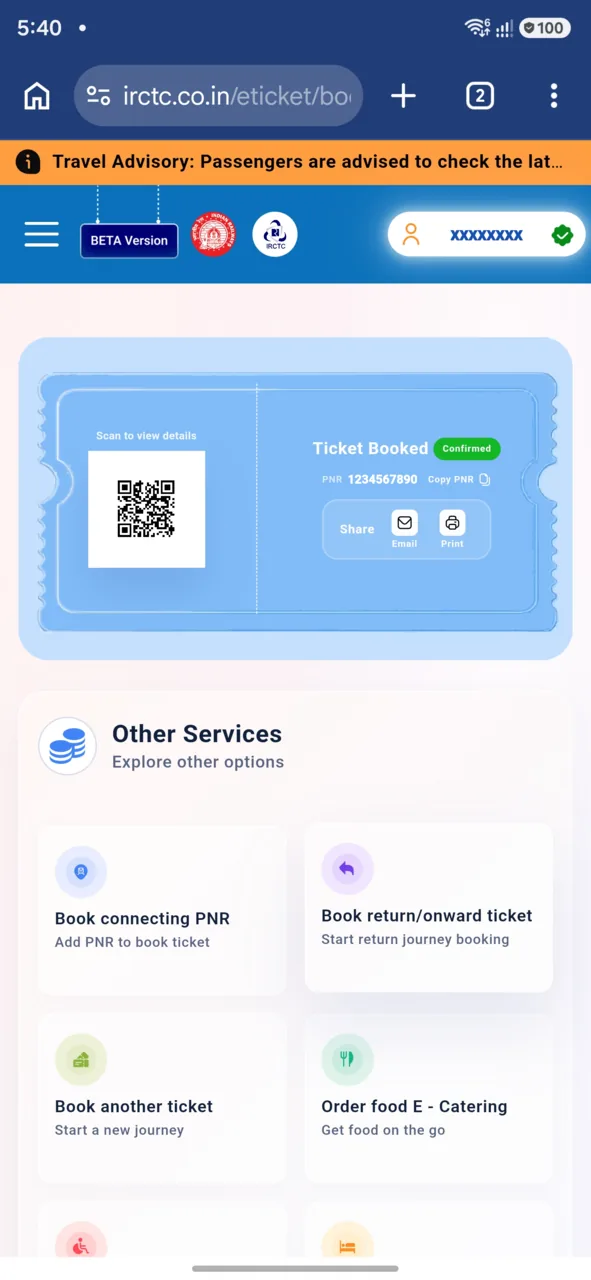 Railway Guides
How to Book Train Tickets on the New IRCTC Portal (2026 Step-by-Step Guide)
Step-by-step guide to booking a train ticket on IRCTC's new BETA portal — search, add passengers, pay by UPI and get your PNR. 21 real screenshots.
16 Jul 20263 min read
 Railway Guides
Recharge Your IRCTC eWallet in Simple Steps
Learn how to recharge your IRCTC eWallet easily with our simple step-by-step guide. Save time and enjoy hassle-free train bookings.
2 Jun 20263 min read
 Railway Guides
How to Use the IRCTC Website Travel Planner: A Step-by-Step Guide
Learn how to use the IRCTC website travel planner to plan your Indian Railways journey efficiently. Follow our step-by-step guide for a smooth booking experience.
2 Jun 20264 min read