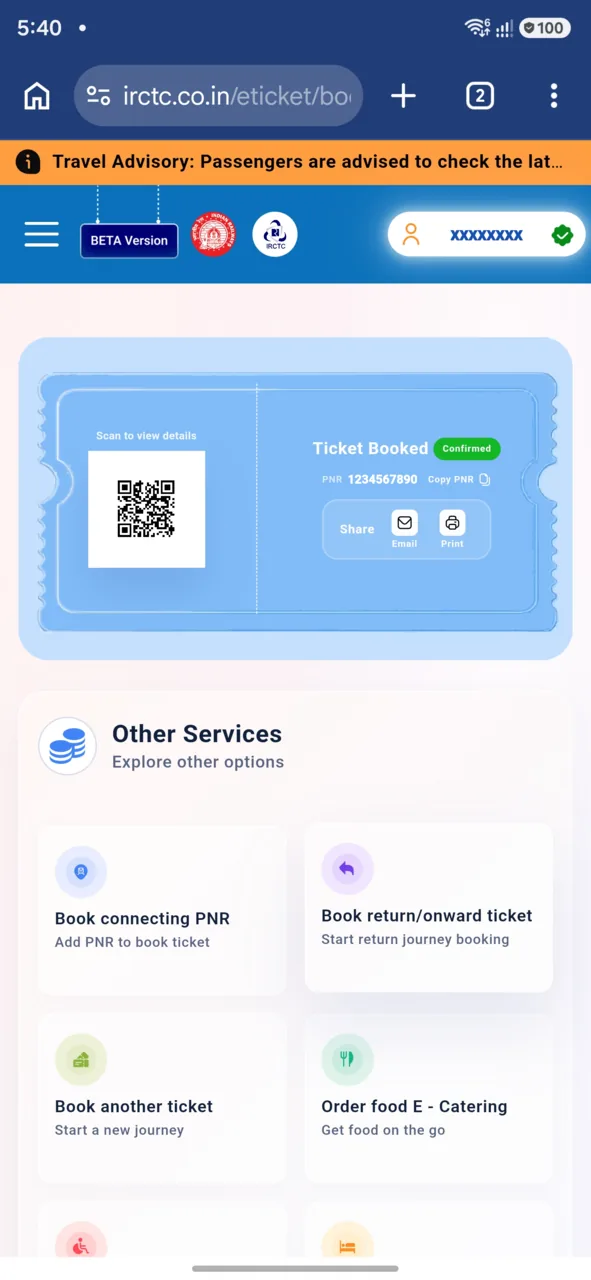
Recharge Your IRCTC eWallet in Simple Steps
Recharge Your IRCTC eWallet in Simple Steps
The IRCTC eWallet is a convenient digital payment option for Indian railway passengers, allowing faster and smoother train ticket bookings. Keeping your eWallet balance topped up ensures you can quickly complete transactions without delays. This guide explains how to recharge your IRCTC eWallet in simple steps, covering various payment methods and useful tips.
Understanding the IRCTC eWallet
The IRCTC eWallet is a prepaid digital wallet linked to your IRCTC account. It helps simplify payments for train tickets, catering services, and other railway-related transactions on the IRCTC website or app. Recharging your eWallet adds funds that can be used immediately for bookings.
Prerequisites for Recharging Your IRCTC eWallet
- An active IRCTC account with login credentials.
- A valid payment method like a debit card, credit card, net banking, UPI, or mobile wallet.
- Access to the IRCTC website or mobile app.
Step-by-Step Guide to Recharge Your IRCTC eWallet
1. Log in to Your IRCTC Account
Visit the official IRCTC website (www.irctc.co.in) or open the IRCTC Rail Connect mobile app. Enter your username and password to log in securely.
2. Navigate to the eWallet Section
After logging in, locate the "My Account" or "User Profile" section. From the menu, select "IRCTC eWallet" or "eWallet Recharge" option to proceed.
3. Choose the Recharge Amount
Decide the amount you want to add to your eWallet. The system typically allows you to enter a custom amount or select from predefined recharge values.
4. Select Your Payment Method
The IRCTC platform supports multiple payment modes for eWallet recharge, including:
- Debit Card
- Credit Card
- Net Banking
- UPI (Unified Payments Interface)
- Mobile wallets linked to your bank account
Choose the payment option convenient for you.
5. Complete the Payment
Enter the required payment details as per the selected method. Follow the prompts to authenticate and complete the transaction securely.
6. Confirmation of Recharge
Once the payment is successful, you will receive a confirmation message on the screen and via email or SMS. Your IRCTC eWallet balance will update immediately, ready for use.
Tips for a Smooth IRCTC eWallet Recharge Experience
- Use a stable internet connection: Avoid interruptions during payment processing.
- Keep payment details handy: Ensure your card or UPI details are correct and valid.
- Check for transaction alerts: Monitor your email or SMS for confirmation messages.
- Maintain sufficient balance: Recharge before booking to avoid last-minute delays.
- Update IRCTC app: Use the latest version for optimal performance.
How to Check Your IRCTC eWallet Balance
You can view your current eWallet balance anytime after logging into your IRCTC account. Navigate to the "IRCTC eWallet" section to see the updated amount available for transactions.
Frequently Asked Questions
Can I recharge the IRCTC eWallet using UPI?
Yes, UPI is one of the accepted payment methods to recharge your IRCTC eWallet, providing a quick and secure way to add funds.
Is there a minimum or maximum limit for eWallet recharge?
Typically, IRCTC sets minimum and maximum limits for eWallet recharge amounts. These limits may vary, so check the recharge page for current details.
How long does it take for the recharge amount to reflect in my eWallet?
The recharge amount usually reflects immediately after a successful payment, allowing you to use the balance without delay.
Can I use the IRCTC eWallet balance to book tatkal tickets?
Yes, the eWallet balance can be used for booking all types of train tickets, including tatkal, subject to IRCTC's booking rules.
What should I do if my eWallet recharge fails?
If the recharge fails, check your payment details and internet connection. If the amount is deducted but not credited, contact IRCTC customer support for assistance.
Is the IRCTC eWallet balance refundable?
The eWallet balance is generally non-refundable but can be used for multiple transactions. For specific refund policies, refer to IRCTC's official guidelines.
Conclusion
Recharging your IRCTC eWallet is a straightforward process that saves time during train ticket bookings. By following the simple steps outlined above, you can keep your wallet topped up using convenient payment methods. Maintaining an adequate eWallet balance ensures a hassle-free travel booking experience on IRCTC's platform.
Get EasyTrain free on Play Store
Check PNR status, track trains live, see seat layout and platform alerts — all without logging in.
Download EasyTrain